Virtual room volumes
The camera direction is traced against a virtual room behind the facade to find the first wall, floor, or ceiling it would hit. Those coordinates sample the room imagery, so depth shifts naturally as the camera moves.
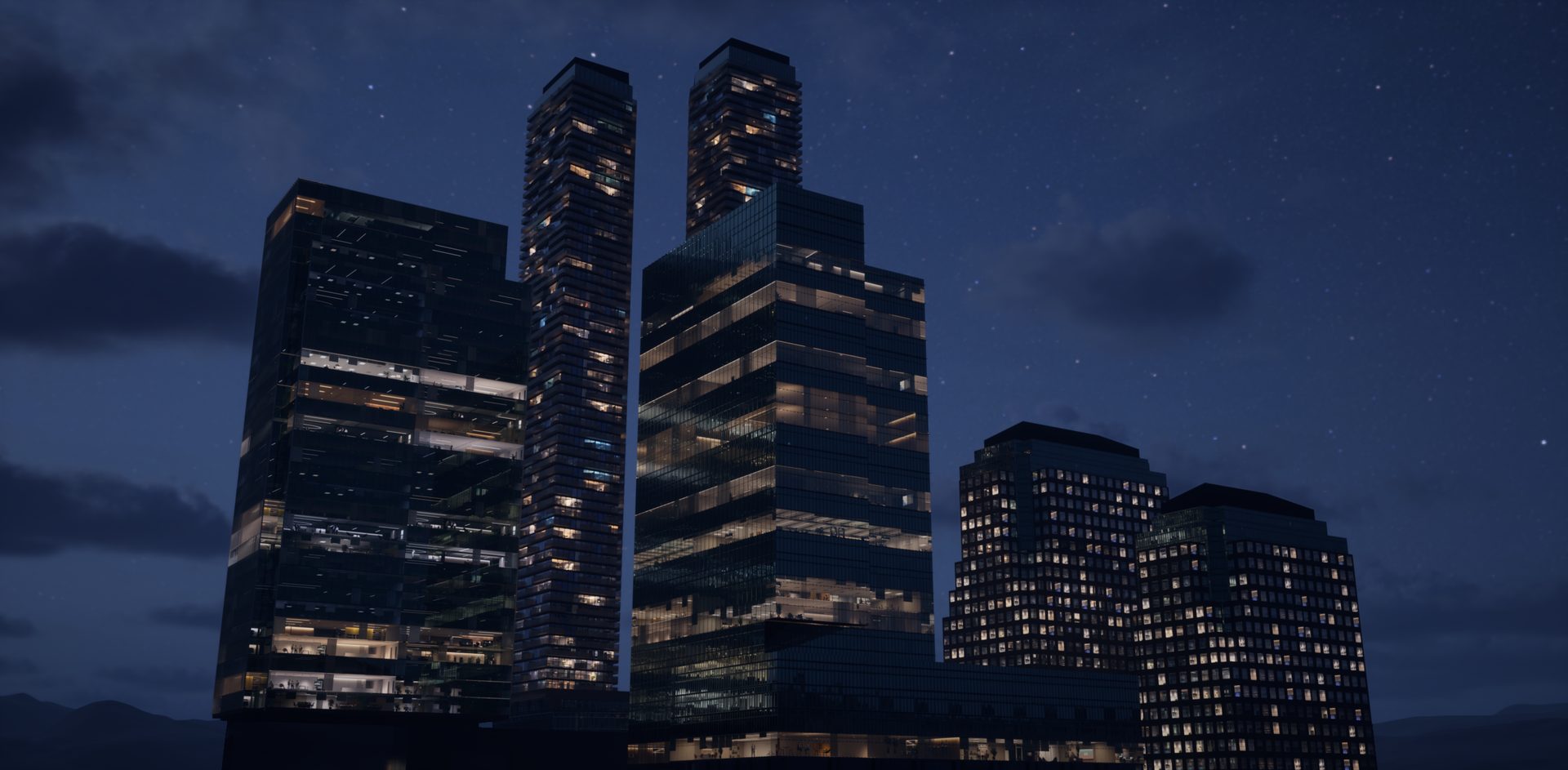
A parallax interior shader for Unreal Engine 5. It fills building windows with convincing, view-dependent rooms, varied lighting, and a day/night cycle, all from one material and without modeling a single interior.
Built around a problem I solved on a 2 km² Toronto Waterfront Digital Twin.
Drag the control to switch the system off and on. Nothing else in the scene changes: no modeled rooms, no extra lights, no additional draw calls for interiors.
Real-time captures in Unreal Engine 5. Room imagery courtesy of wParallax.
The showcase opens with shots from the Toronto Waterfront Digital Twin, builds a tower facade from nothing but duplicated planes, and walks through the parameters and features. Then it shows the whole point: one box, 30 meters wide and 100 meters tall, becomes a fully lit, animated office tower after a few parameter tweaks.
Real-time showcase in Unreal Engine 5. Watch on YouTube · More on my YouTube channel
Any city, skyline, or large building scene hits the same wall. Dark or mirrored windows make buildings look empty and fake, but modeling, lighting, and dressing real interiors behind every window costs geometry, draw calls, lights, memory, and weeks of authoring time.
I ran into this at city scale on the Toronto Waterfront Digital Twin, where shader-driven facades carried much of the visible detail. The Interior Cubemap System is a standalone, production-ready tool built around that problem: one material that gives every window a believable room, with the controls a production team needs to art-direct and optimize it.
The material never creates room geometry. It treats each window as the opening of a virtual room and works out, for every pixel, what the camera would see inside.
The camera direction is traced against a virtual room behind the facade to find the first wall, floor, or ceiling it would hit. Those coordinates sample the room imagery, so depth shifts naturally as the camera moves.
Room choice combines the facade UV cell, the actor's world position, Per Instance Random on ISM/HISM, and a seed. The result is deterministic: rooms never flicker as the camera moves, and duplicated buildings still look different.
Lights switch on at randomized times, with per-room brightness, saturation, and color-temperature variation. Office and retail modes change how whole floors or storefronts behave.
Four optional interior card layers add blinds, people, lamps, or plants at configurable depths in front of the back wall. The compositor sorts them by depth so nearer room surfaces correctly hide them.
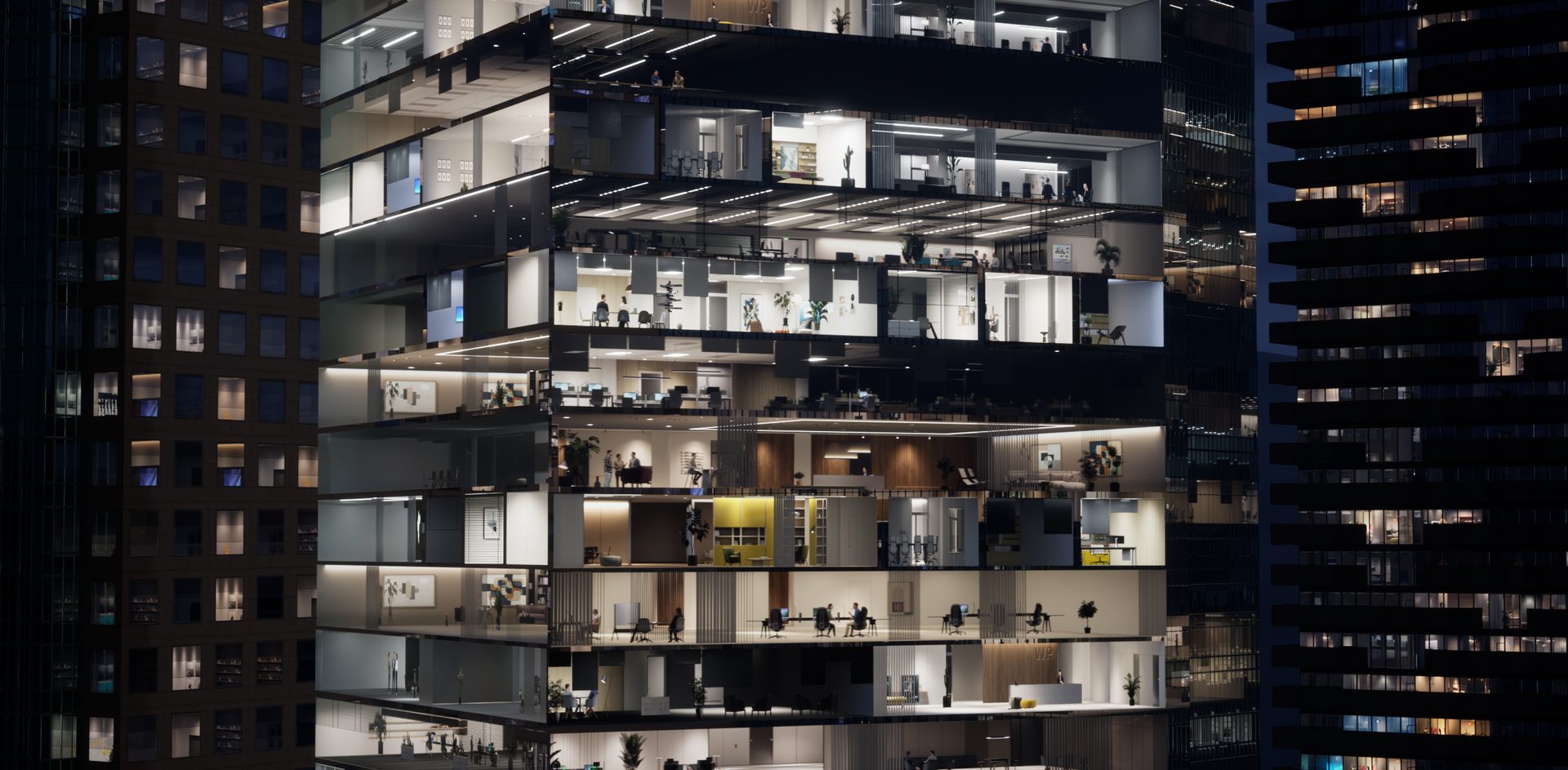
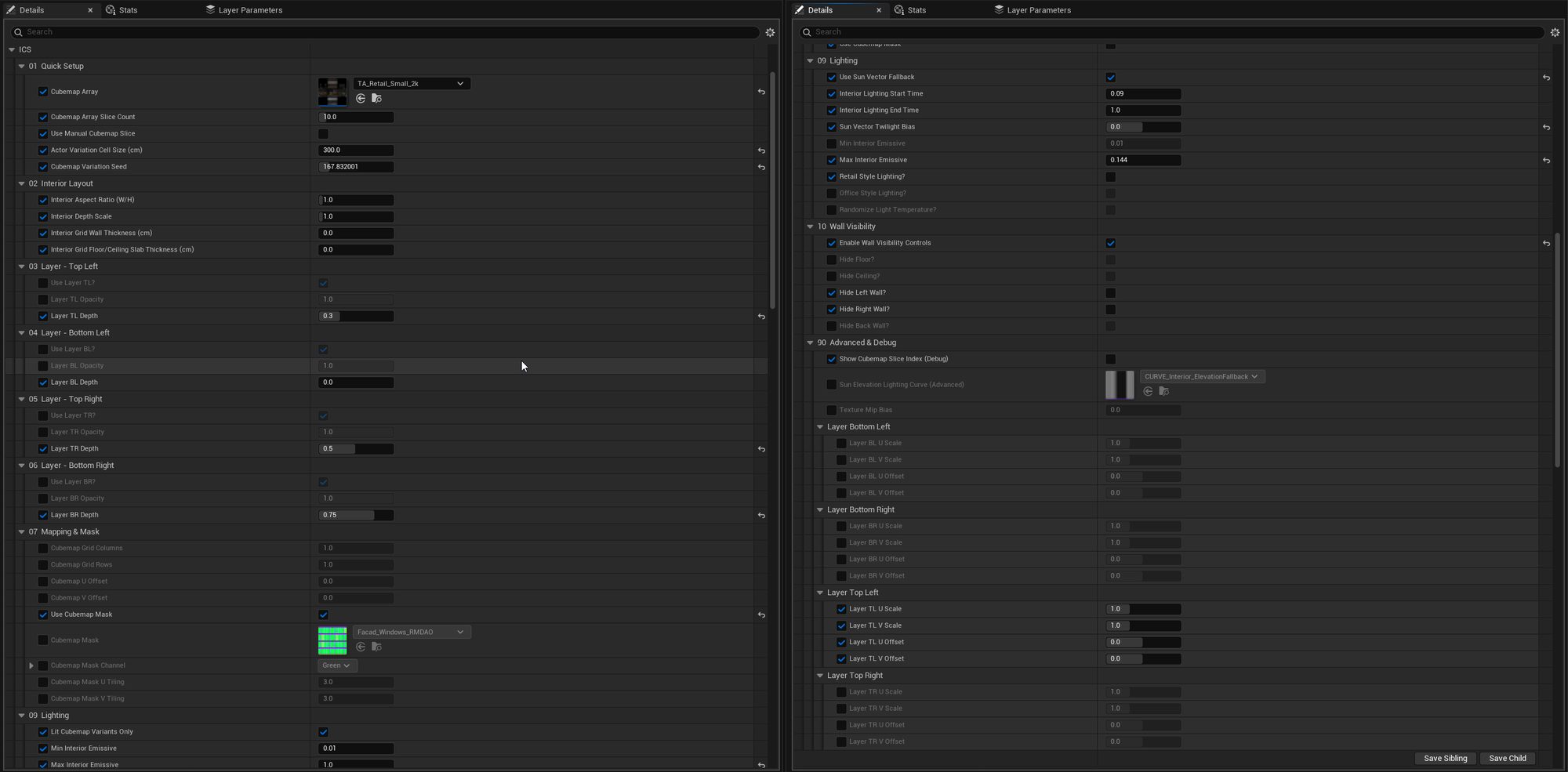
Everything is exposed through Material Instances, so artists can build and vary facades without touching the master material.
Manage many room variants in one array. Automatic selection stays inside the valid slice range, with manual selection for hero windows.
Sun-vector fallback with no setup, a shared MPC driven by Blueprint or a sky system such as UDS, or manual time of day for look development.
Room grid, aspect ratio, depth, wall dividers, and floor slabs, all accounted for in the parallax calculation.
Cover a whole facade with one material and use a mask channel to choose which areas show interiors, with independent mask tiling.
Hide the floor, ceiling, back wall, or either side wall of the virtual room for special facade layouts and viewing angles.
An on-surface slice index overlay and manual overrides make it quick to check arrays and troubleshoot a building.
Parameters are organized into numbered groups for selection, layout, card layers, mapping, lighting, wall visibility, and debug. Each one has a tooltip and is explained in the 28-page user guide.
The recommended workflow is simple: duplicate a supplied preset, assign your room array, match the room grid to your windows, and choose a lighting workflow.
The system replaces interior geometry, draw calls, lights, and authoring time with shader work and texture sampling. It is designed so you only pay for the features a building actually uses.
This is a high-quality facade illusion. Knowing its limits up front saves production time.
Unreal Engine 5.1 and newer. It works on Static Mesh actors and on Instanced and Hierarchical Instanced Static Meshes (ISM and HISM).
Yes. Assign any compatible Texture2D Array and set the exact slice count. If each room has a day and a night version, a paired unlit/lit convention lets lighting switch between them. The system is also compatible with wParallax room libraries, sold separately.
Yes. Enable the cubemap mask and provide a window mask texture. Dedicated window polygons can be more efficient and easier to control in some projects.
Yes. Write a normalized time value to the included Material Parameter Collection from Blueprint or your sky system (for example UDS), or use the sun-vector fallback, which follows your directional light with no setup.
No. Selection is deterministic and stable. Rooms only change if you change the variation seed or move an actor into a different world-position variation cell.
It can be used in Lumen projects, but the virtual rooms are shader imagery, so they do not contribute lighting exactly like modeled rooms. Nanite applies to the facade mesh rather than the interior projection. Validate both on your target engine version and platform.
No. The rooms are a material effect with no collision or real geometry. A common approach is real geometry for accessible floors and this system for every other window.
Yes. A free Windows demo is available, along with the full PDF user guide.
I build shaders, material systems, production tools, and optimization passes for studios and companies working in Unreal Engine, from single features to technical direction across a whole production.
Tell me what you're building, your target platform, and where you need support.